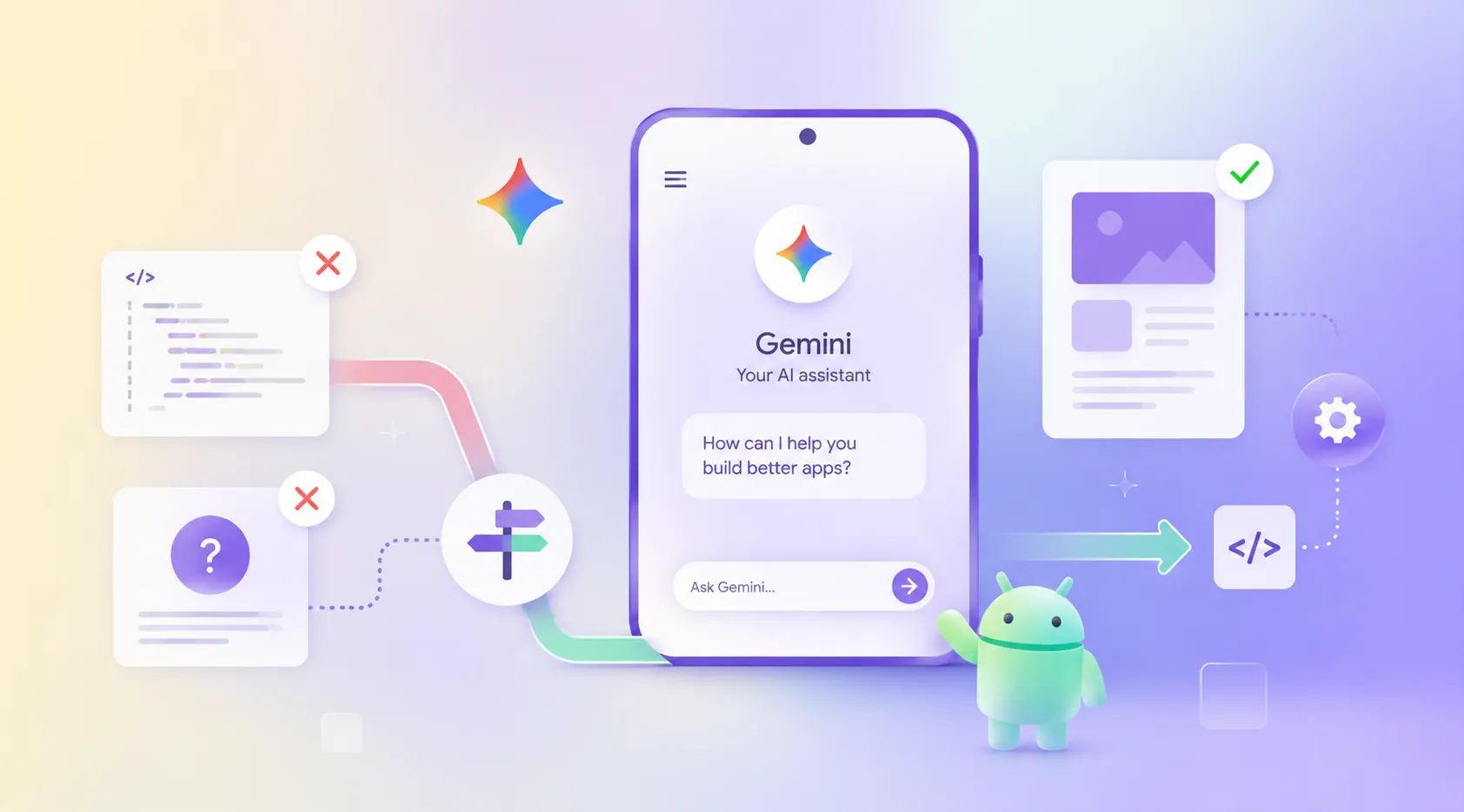
Google announced Gemini Intelligence for Android on May 12, 2026. The rollout starts with the latest Samsung Galaxy and Google Pixel phones this summer, with broader Android device availability later in 2026. You can read the full announcement on Google’s official blog.
Definition Box
Definition: Gemini Intelligence Android app development means building Android apps so Gemini can understand, trigger, and complete app actions safely. This includes task flows, smart form filling, live widget data, user confirmation steps, and clean connection points that work without forcing users to manually open every screen.
What Is Gemini Intelligence on Android?
Gemini Intelligence brings a more active assistant layer into Android. It can help users automate tasks, summarize content, fill complex forms, create custom widgets, and move across apps with less manual effort.
That changes how apps need to be built.
For years, most Android apps were designed around one simple pattern. The user opens the app, moves through screens, taps buttons, submits information, and waits for results. Gemini Intelligence changes that pattern. Now the user may ask Gemini to complete part of the journey without manually visiting every screen.
That means your app needs to expose the right connection points. Gemini needs to know what action can be taken, what data is needed, what step requires confirmation, and what result should be returned.
If your app cannot support that, it may not participate in the Gemini flow. That is the real risk.
Why Are Most Android Apps Not Ready for Gemini Intelligence?
Most apps are not failing because their interface is weak. They are failing because their architecture was not built for external task execution.
Here is what usually breaks first.
-
No clear action handlers
Gemini needs clean instructions for what your app can do. If your app does not expose clear actions like booking, ordering, updating, searching, or confirming, automation becomes unreliable.
-
Weak data structure
Smart form filling and widget creation depend on live, structured data. If your app depends on delayed refreshes, scattered fields, or inconsistent data states, Gemini cannot produce useful results.
-
Unpredictable screen flows
Gemini needs flows that behave the same way each time. If your app layout changes often, hides required steps, or loads data inconsistently, the task may fail near the confirmation point.
-
No safe confirmation layer
Apps must clearly separate suggested actions from final actions. Users should still confirm important steps. Without that layer, your app creates risk.
-
No live widget feed
Gemini can help users create custom widgets, but only if your app has reliable data feeds. If the data is trapped inside screens, the widget has nothing useful to show.
Expert note
The real work is not adding a Gemini label to the app. The real work is preparing the app layer for predictable actions, permission checks, live data reads, and final user confirmation.
The issue is not awareness. Most product teams already know Gemini Intelligence matters. The issue is that knowing the trend and designing for it are two different things.
Why Gemini Ready Android Apps Need Architecture First
Many teams will make the wrong move. They will try to add Gemini support after the app is already built. That is where the cost goes up.
A Gemini ready app needs planning before code begins. You need to decide what Gemini can do inside the app, what it cannot do, and which user actions need final approval. You also need to design your data model so Gemini can read the right information at the right time.
For teams already exploring this shift, Quokka Labs has covered related implementation thinking in its guide on Google Gemini API integration.
Before building, teams should answer three questions.
What actions should Gemini complete?
Not every app action should be automated. Start with repeatable flows that save time and reduce user effort.
What data does Gemini need?
If Gemini needs to fill a form, show a widget, or complete a task, your data must be clean, current, and easy to access.
Where should the user confirm?
Gemini can assist, but the app should still protect important decisions. Payment, booking, consent, account changes, and personal data updates need clear confirmation points.
This is why Gemini Intelligence Android app development is not just a design task. It is a product architecture task.
Which Teams Should Prepare Their Android Apps First?
Not every company needs to move today. That should be clear.
If you do not have an active Android product, a clear automation use case, or a user journey that Gemini can improve, this may not be your immediate priority.
But two types of teams should act now.
The first group is startup teams building consumer or B2B Android apps before a funding milestone. If investors expect intelligent mobile features this year, waiting until the wider rollout will create pressure at the worst time.
The second group is mid market product teams with manual workflows inside mobile apps. If users repeat the same booking, ordering, reporting, onboarding, or support flow every week, Gemini Intelligence can reduce that friction.
For broader planning around intelligent product builds, Quokka Labs’ AI development services can help teams decide what should be built now and what should wait.
The mistake is not waiting. The mistake is waiting without a plan.
How Can Businesses Prepare Android Apps for Gemini Intelligence?
A focused sprint should not promise every Gemini feature at once. That is how teams overbuild and still miss the real problem.
A practical first sprint should deliver a working foundation.
-
Day 1: Scope lock and action planning
Your team defines what Gemini can and cannot do inside the app. This prevents confusion before development starts.
-
Days 2 and 3: App foundation and data model
The app foundation is prepared for live reads, structured data, and clean task flows.
-
Days 4 and 5: Gemini action support
Core actions are connected, tested, and reviewed so Gemini can trigger them without breaking the screen flow.
-
Day 6: Testing and edge cases
The team checks broken flows, login conditions, empty states, and confirmation steps before release.
-
Day 7: Deployment and handoff
Your team receives a working build, documentation, and the next scope for deeper features.
This is where many teams underestimate the value of clean mobile engineering. If the mobile layer is weak, Gemini support will not save it. Quokka Labs’ mobile app development service page explains the broader delivery scope for teams building production grade mobile products.
What Business Outcomes Can Gemini Ready Android Apps Deliver?
The goal is not to say your app has Gemini support. That is shallow positioning. The real goal is to make your app easier to use when Gemini becomes part of daily Android behavior.
The goal is not to say your app has Gemini support. That is shallow positioning. The real goal is to make your app easier to use when Gemini becomes part of daily Android behavior.
A Gemini ready Android app should help users complete core actions faster. It should reduce manual form work. It should support useful widgets. It should make repeat workflows feel lighter. It should also give your internal team a codebase they can extend without needing another rebuild.
For operations heavy teams, this connects directly with process automation. If your app supports repeated internal or customer workflows, this guide on AI automation in business is a useful next read.
If your roadmap involves deeper autonomous workflows across tools, apps, and user actions, agentic AI development services may be the better long term path.
FAQs
What is Gemini Intelligence Android app development?
Gemini Intelligence Android app development means building Android apps that expose actions, live data, confirmation flows, and widget feeds so Gemini can assist users safely inside the app experience.
Why are most Android apps not ready for Gemini Intelligence?
Most Android apps were built for manual user taps, not assistant driven task execution. They often lack clear action handlers, live data access, stable screen flows, and safe confirmation logic.
How can businesses prepare their Android apps for Gemini Intelligence?
Businesses should audit app flows, define what Gemini can trigger, structure live data access, add confirmation points, and plan the mobile architecture before adding Gemini related features.
The Architecture Window Is Open
Gemini Intelligence is not just another Android feature. It is a signal that apps will need to work with intelligent assistants, not only human taps.
Most apps are not ready because they were not built for that relationship. They lack clear actions, live data, stable flows, confirmation logic, and widget ready feeds. These are not cosmetic gaps. They are architecture gaps.
The teams that fix this early will not just ship faster. They will avoid rushed rebuilds later.
If you are building an Android app this quarter, do not treat Gemini readiness as a future enhancement. Decide now what Gemini should be able to do inside your product, then build the app around that reality.
Ready to map your Gemini ready Android app? Contact Quokka Labs to plan your scope before the rebuild becomes urgent.